






An accountant asks for an earlier copy of the business data. The office manager knows it is backed up, but does not know where the copy is or how to obtain it. A request that sounded simple now involves the software supplier, the hosting team and somebody finding space to receive it.
The difficulty is not always making a backup. It is getting the right copy into the right hands, routinely enough that the business is prepared before someone asks.
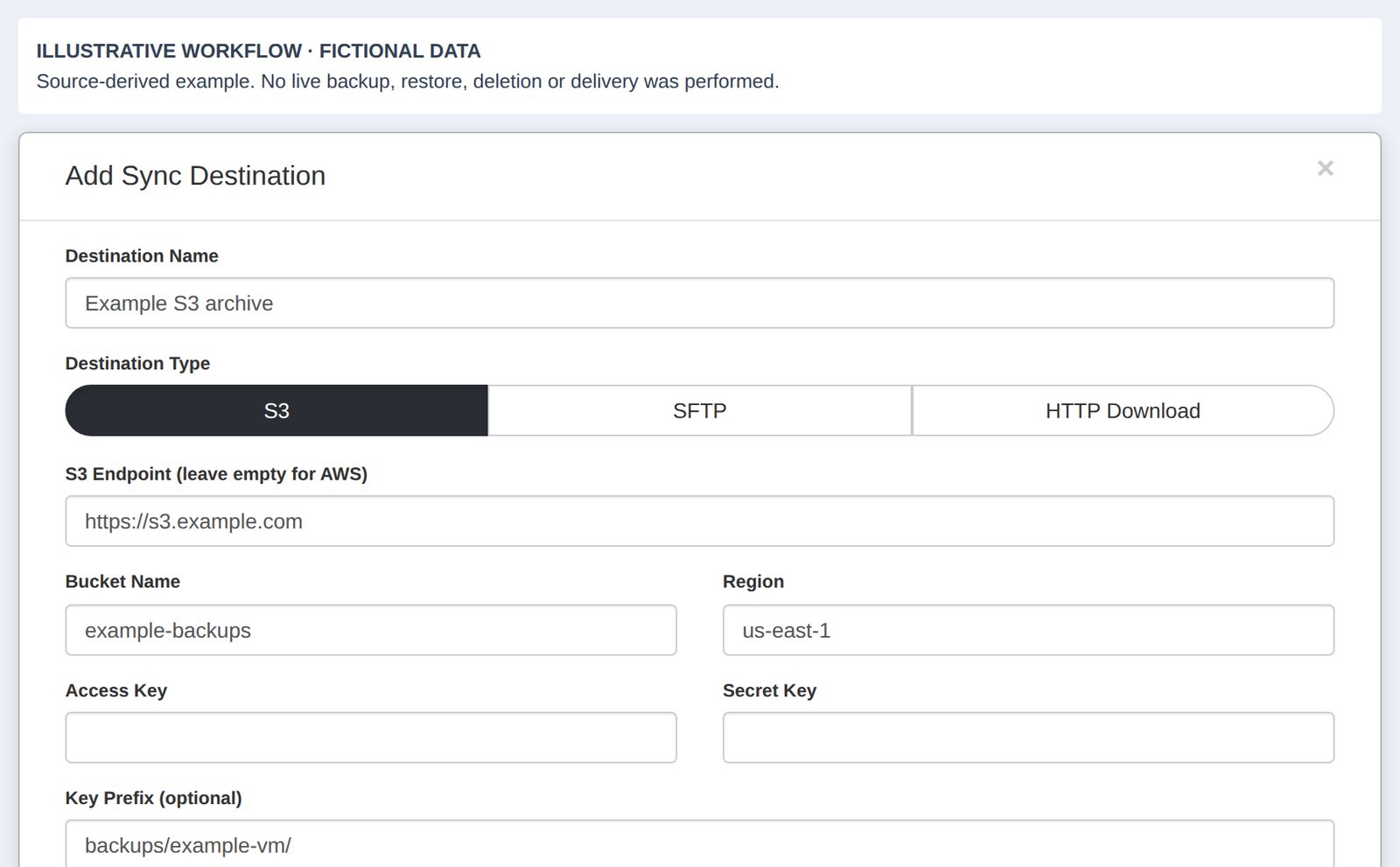
NetLeverage Backup Delivery brings selected backups to storage the customer chooses. Copies can go to the customer’s own local servers, an SFTP location or their own S3 storage. These are different ways of keeping data in a place controlled by the business.
Decide where the business wants its copies
A copy held by the service provider serves one purpose. A copy within the customer’s own environment serves another. It can give the business a practical starting point for working with its own data or making it available to an authorised adviser.
With the destinations configured, one setup can provide three copies: NetLeverage’s copy, one on the customer’s own network and one in the customer’s own cloud storage. The destination choices need to match what the business wants to achieve.
Start with the people who may need a copy. Where do they work? What storage does the business control? Who is responsible for checking it? These questions are more useful than choosing a destination simply because it is available.
Choose the destination, without the extra handover
SFTP and S3 deliveries can be configured in either the Cloud Dashboard or the Delivery Client. The backup uploads directly from the cloud to the chosen destination; it does not pass through the customer’s computer. This avoids an unnecessary download followed by a re-upload, saving that use of the customer’s bandwidth and avoiding the extra transfer step. Progress is visible in the Delivery Client too.
Vault delivery is different: it keeps selected backups in a Vault folder on the customer’s local drive.
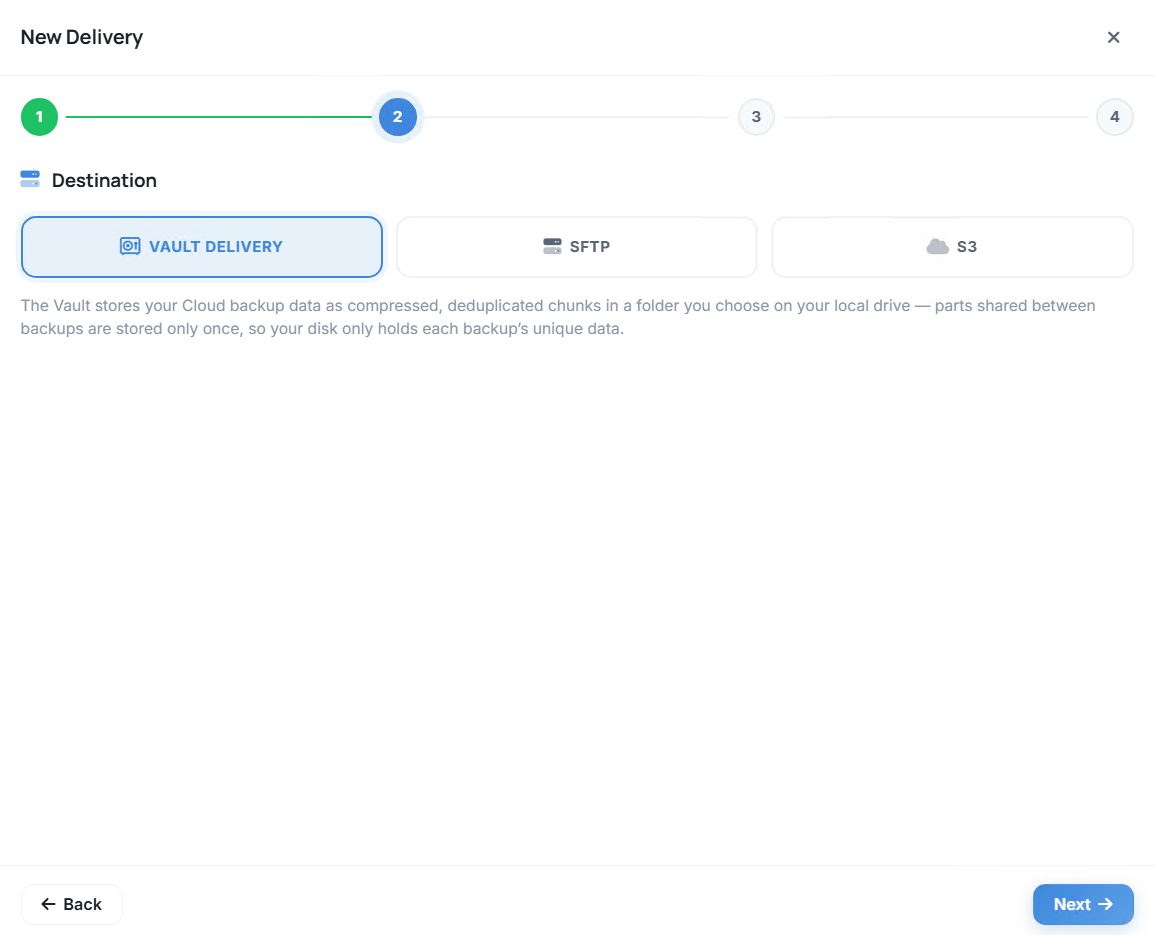
Vault delivery
Keep selected backups in a Vault folder on your local drive.
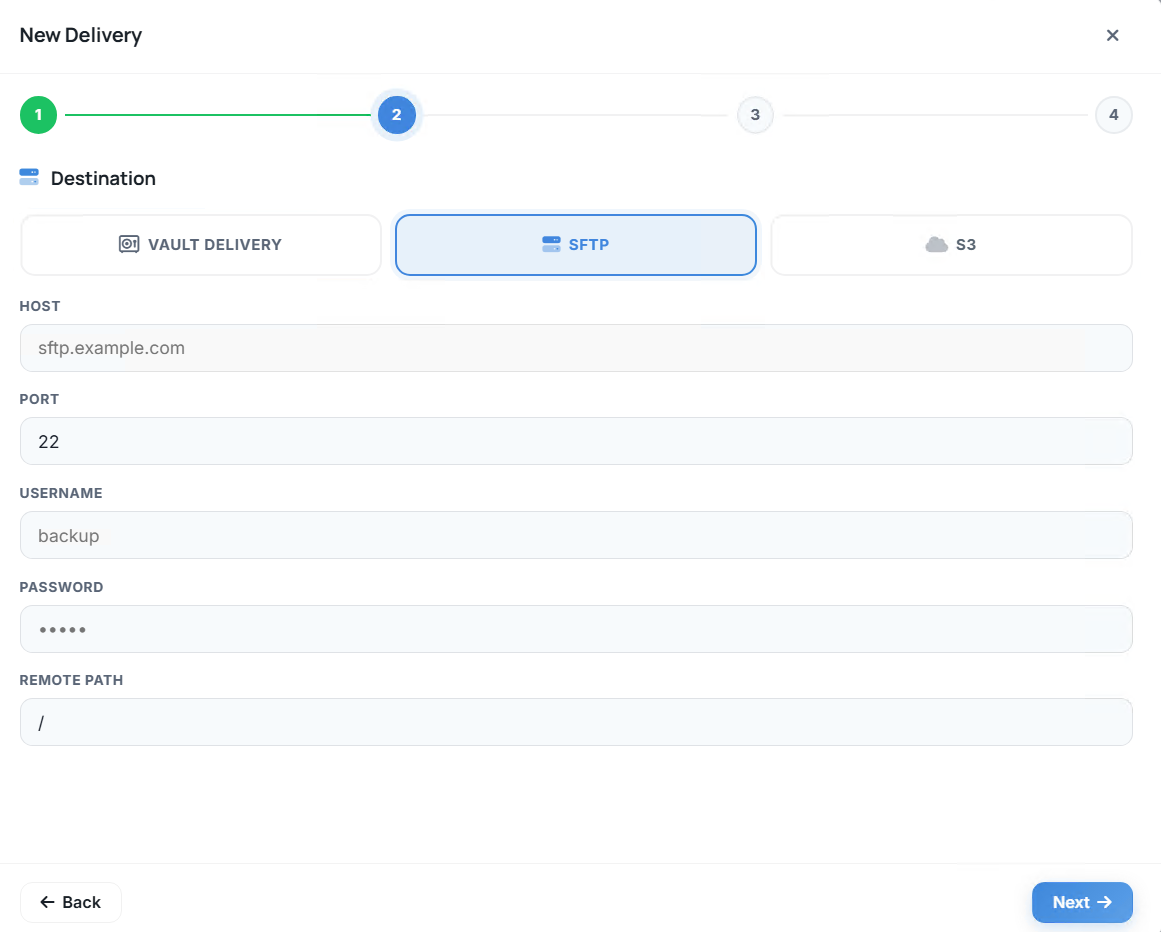
SFTP delivery
Backups upload directly from the cloud to your SFTP destination.
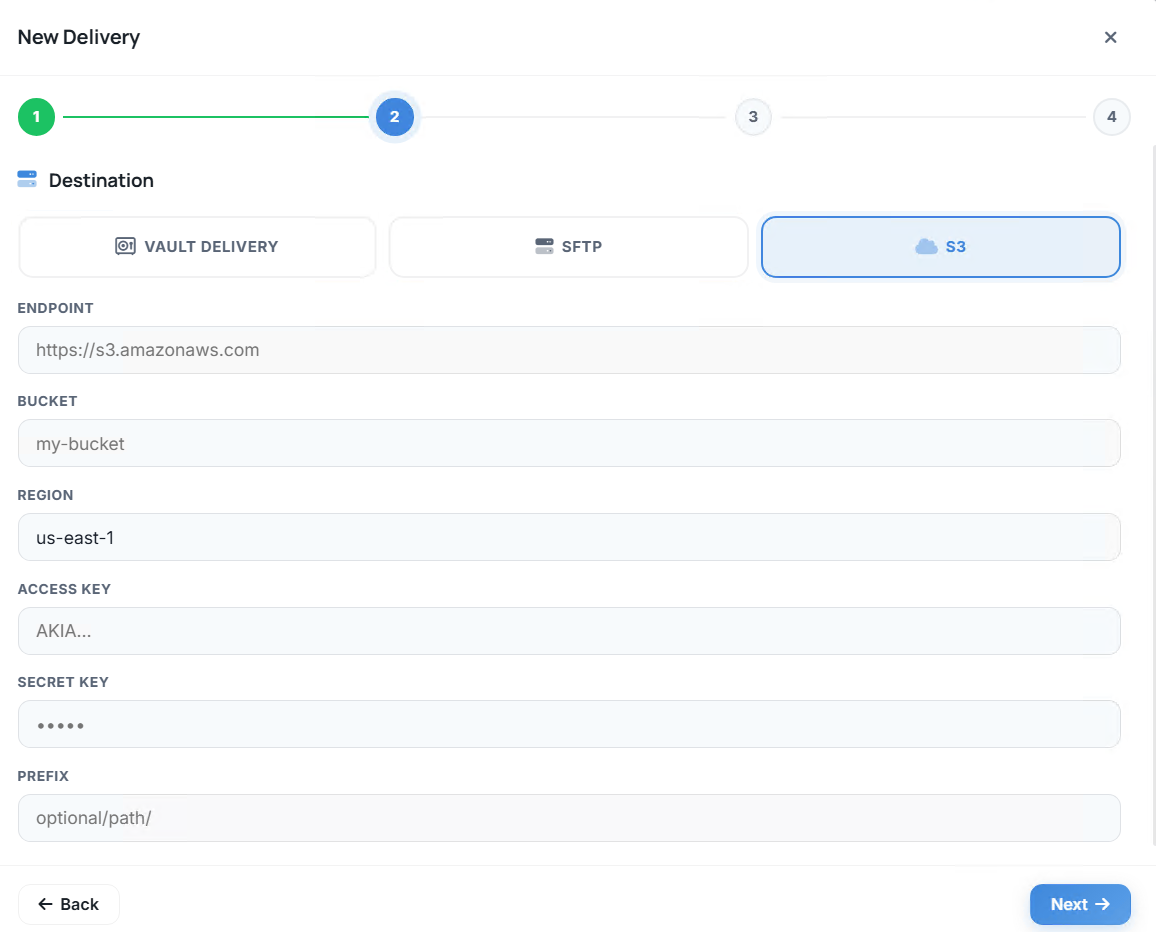
S3 delivery
Backups upload directly from the cloud to your S3 storage.
Bring back what is useful
A customer may want everything delivered. Another may need the data from one server, or just the database used for a particular application. Delivering the right scope avoids treating every request as a full copy of the entire environment.
Backup Delivery lets you select everything, one server or one database. A partner can set it up for a customer through the Delivery Client without needing a Cloud Dashboard login for that setup.
This makes the first conversation important. Agree what should arrive, where it should go and who expects to use it. A defined arrangement is easier to explain and review than a collection of transfers started whenever somebody remembers.
Replace the repeated transfer with a routine
Manual delivery creates work after the backup has finished. Someone has to find the copy, move it, check the destination and tell the next person that it is ready. The task can become dependent on a busy person being available.
A scheduled delivery makes that handover part of the routine. The partner configures the arrangement once, then reviews its results instead of repeating the same transfer by hand.
For software vendors, this can make customer data available for authorised maintenance and support. For resellers, it gives each customer a defined service to review. For the customer, it makes the location of the copy a planned decision.
Check that the copy arrived
A delivery plan is not the same as a delivered backup. When someone needs the data, the useful questions are which copy arrived, when it arrived and what happened if it did not.
Every delivery has a recorded result and time. Progress can be watched in the Delivery Client or the Cloud Dashboard. The record gives the partner and customer something specific to check before relying on a copy.
Choose who will follow up an unsuccessful delivery. That small operational decision helps turn a visible result into an action, rather than leaving everyone to assume somebody else is watching.
Live replication is coming.
Ask us to help you choose the data, destinations and delivery routine that fit your customers’ working day.