




Australian cloud for business software — built and run in Sydney since 2003

NetLeverage
NetLeverage

Cloud for
your business.

Keep your people working with the software they know. Bring hosting, access and data protection together, with a team you can call when you need help.

Tell us what your team needs to do. We’ll help you plan the environment around it.

Availability target

ThinPoint worldwide

Service availability

Established

Cloud servers and application infrastructure

Your software. Our cloud.

Offer customers your software online while keeping the product and customer relationship yours. We look after the hosting around it, so your team can focus on the application and the people who use it.

Keep your software. Move forward.

Give your team access to its familiar applications from the office, home or on the road. Hosting, backups and support work together, so looking after the systems does not become another job for your staff.

6000+
Organisations on ThinPoint
Our own desktop and application delivery technology, running in more than 6,000 organisations worldwide.
99.99%
Availability target
The applicable target depends on your agreed SLA level and contract. Service credits apply where your contract provides them.
23
Years in business
Serving Australia's professional-services sector with virtualisation and cloud since 2003.
24/7
Service hours
Twenty-four hours a day, seven days a week, 365 days a year. A person answers.

Services that work together

Start with the work your business needs to do. Choose the hosting, application access and data protection that fit, and review the service through the Cloud Dashboard.

Cloud Hosting

Turnkey hosting that turns Windows business software into SaaS.
Read more

Cloud Dashboard

Backup, recovery and delivery for your VMware fleet from one portal.
Read more

ThinPoint

Desktop and application virtualization from any PC or server.
Read more

Backup & Recovery

Image, file-level and SQL Server backups that read only what changed.
Read more

VPC Networking

Private networks, subnets, firewalls and VPN around your cloud servers.
Read more

Managed Services

Australian engineers running your servers, patches and monitoring.
Read more

Your move to the cloud

Plan the move around your software, your people and the work that needs to continue. Our team helps you agree the steps and responsibilities.

  • 1
    Assess
    We map your software, users and data, and draw the target network with you.
  • 2
    Migrate
    Servers and data move into your private cloud network, backups start on day one, users get their icons.
  • 3
    Run
    We patch, monitor and back up; you watch it all in the Cloud Dashboard.

Your service, in view

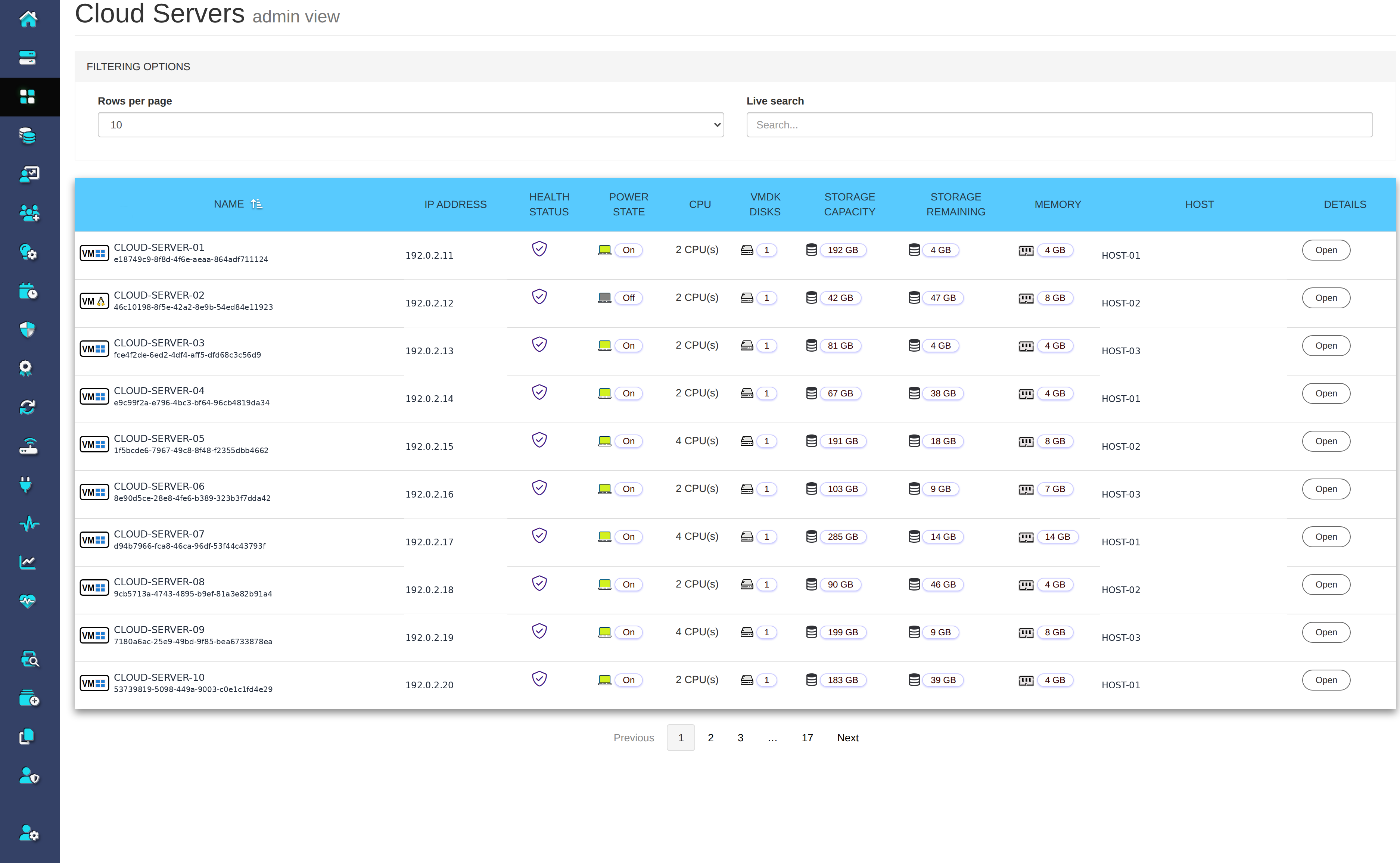
See what is running, check your backups and follow deliveries to your own storage. Your team can find the information it needs without piecing together separate updates.

Your data stays in Australia

Discuss where your applications and backups will live, who looks after them and the service terms that apply. Our Australian team will explain the arrangement for your business.

Business team working together around a table

Try it with your data

Explore the service with your own data and the people who will use it. Talk to us about arranging your ten-day trial.

Any questions?

The Cloud Dashboard operates in virtualisation layer, and nothing needs to be installed inside the Windows VM. It reads the disk through virtualisation disk library and picks up only the blocks that changed since the last run. The machine keeps running throughout.
In Australia. Your servers are hosted, backed up and supported from Sydney, and backups never leave the country unless you ask us to send a copy to your own S3 bucket or SFTP server.
The availability target is 99.99%, depending on your agreed SLA level and customer contract. Support hours, maintenance notice and any service credits are defined by that agreement.
Yes. The vendor installs the product once on our platform and sells the hosted edition to their own customers. We supply the servers, the private network, the backups and the support desk underneath.
Hosting Windows applications needs Microsoft SPLA licences per user: Remote Desktop Services, Office where reports are exported on the server, and SQL Server where Express is not enough. They are on the one monthly invoice.
Through the ThinPoint client, where the application appears on the desktop and Start menu as if it were installed locally, or through browser access. Printing and file export to the local Word, Excel and Outlook are handled for them.